

Write on your music with Apple Pencil or S Pen.
Marks sit on a dedicated vector layer. Your original PDF is never altered.
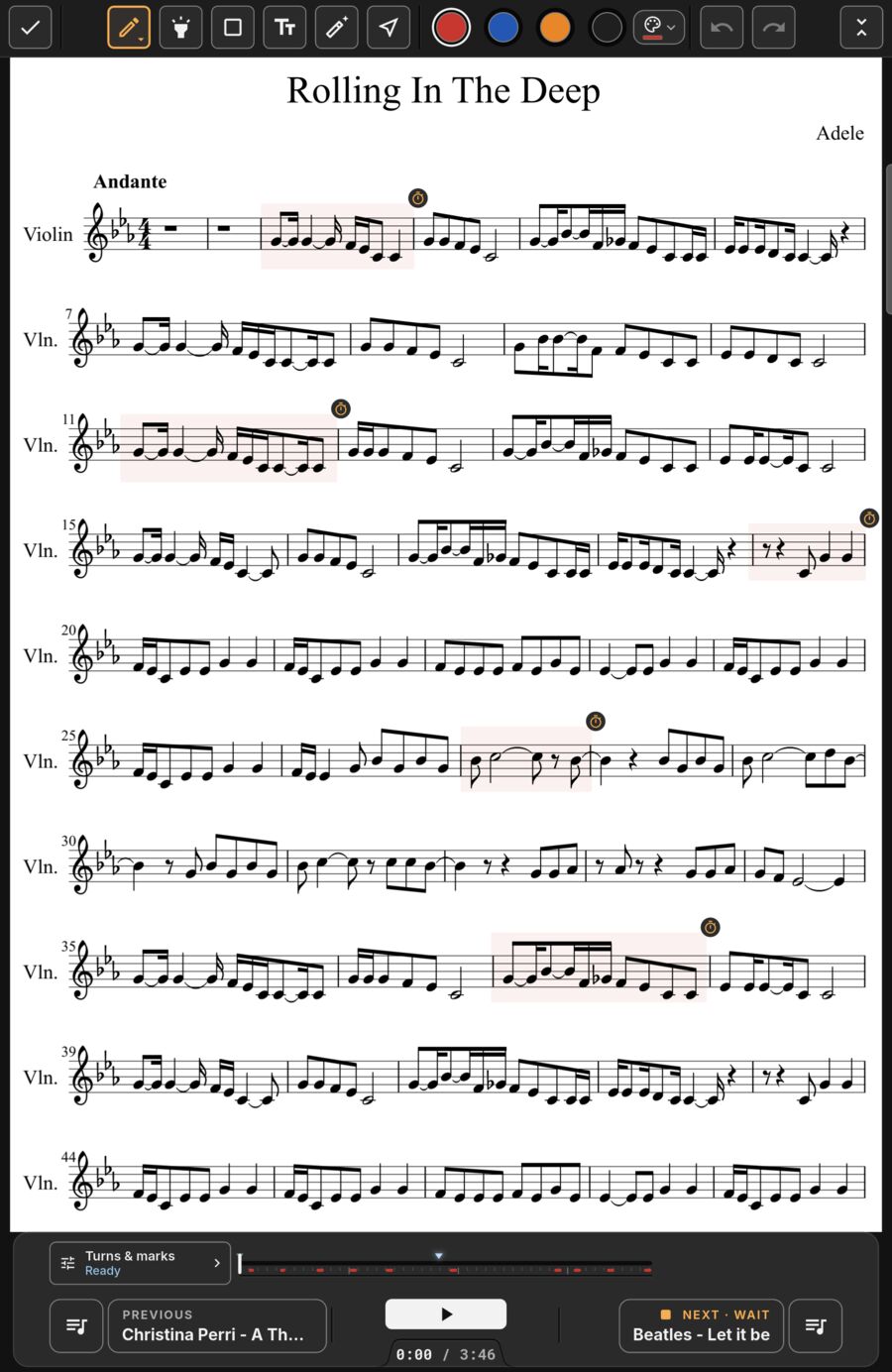
Essential markup tools.
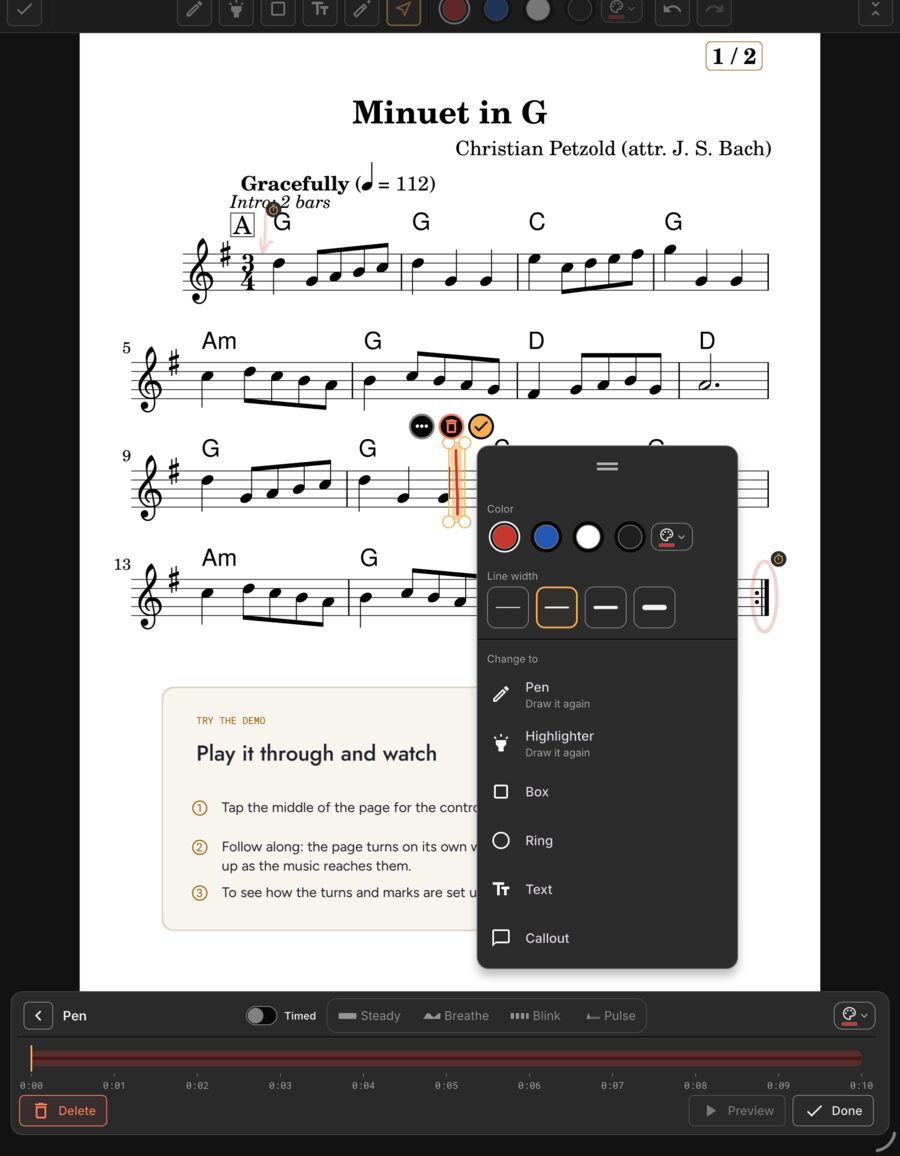
Pen, highlighter, box, ring, callout, text, eraser and white-out. Twelve curated ink colours.
- Undo and redo every single stroke.
- Select, move and resize existing marks.
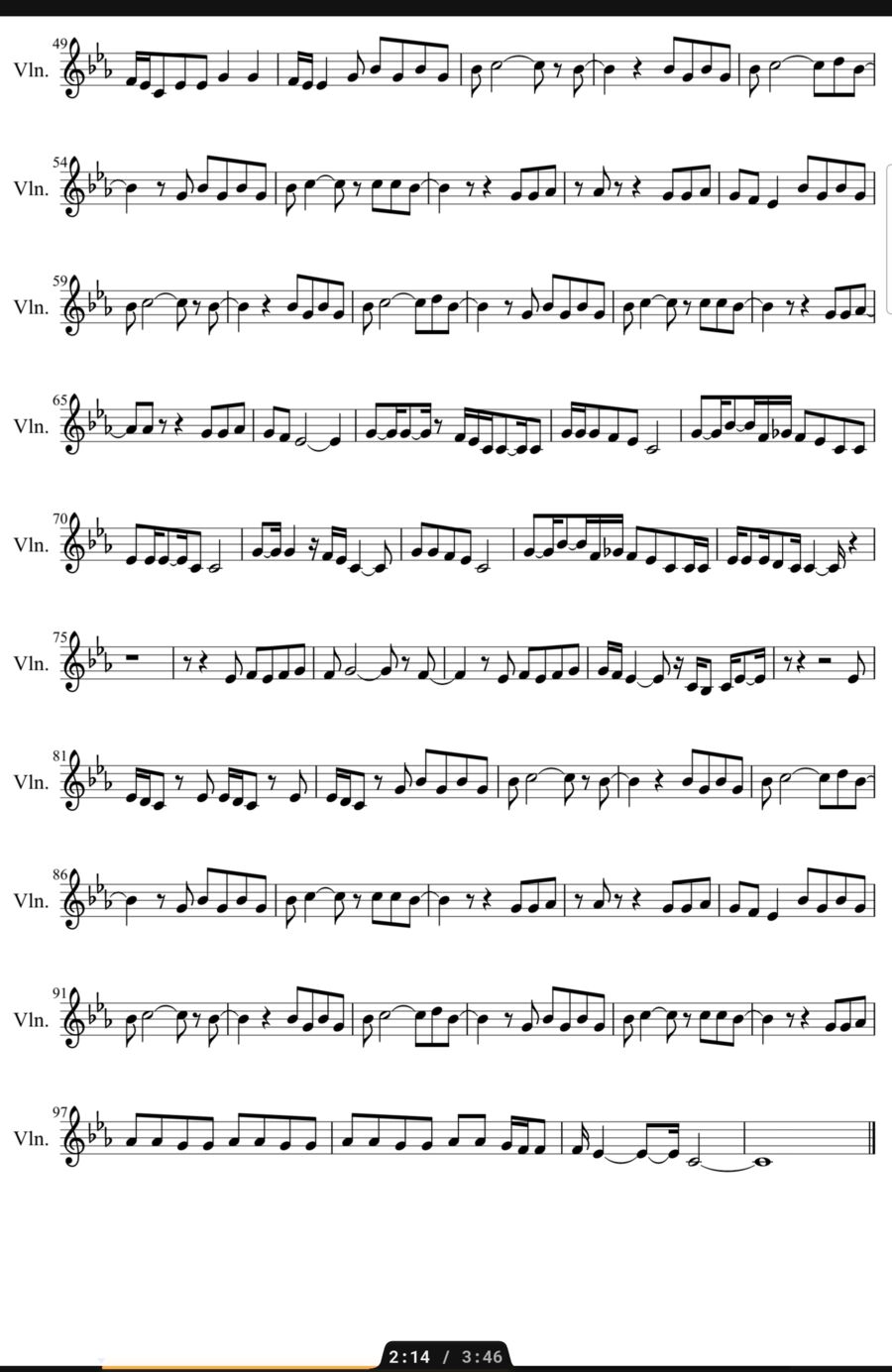
The stylus just works.
Bring your Apple Pencil or S Pen near the screen and you are editing immediately.
- Hardware palm rejection.
- Only the pen draws, so your fingers still turn pages.
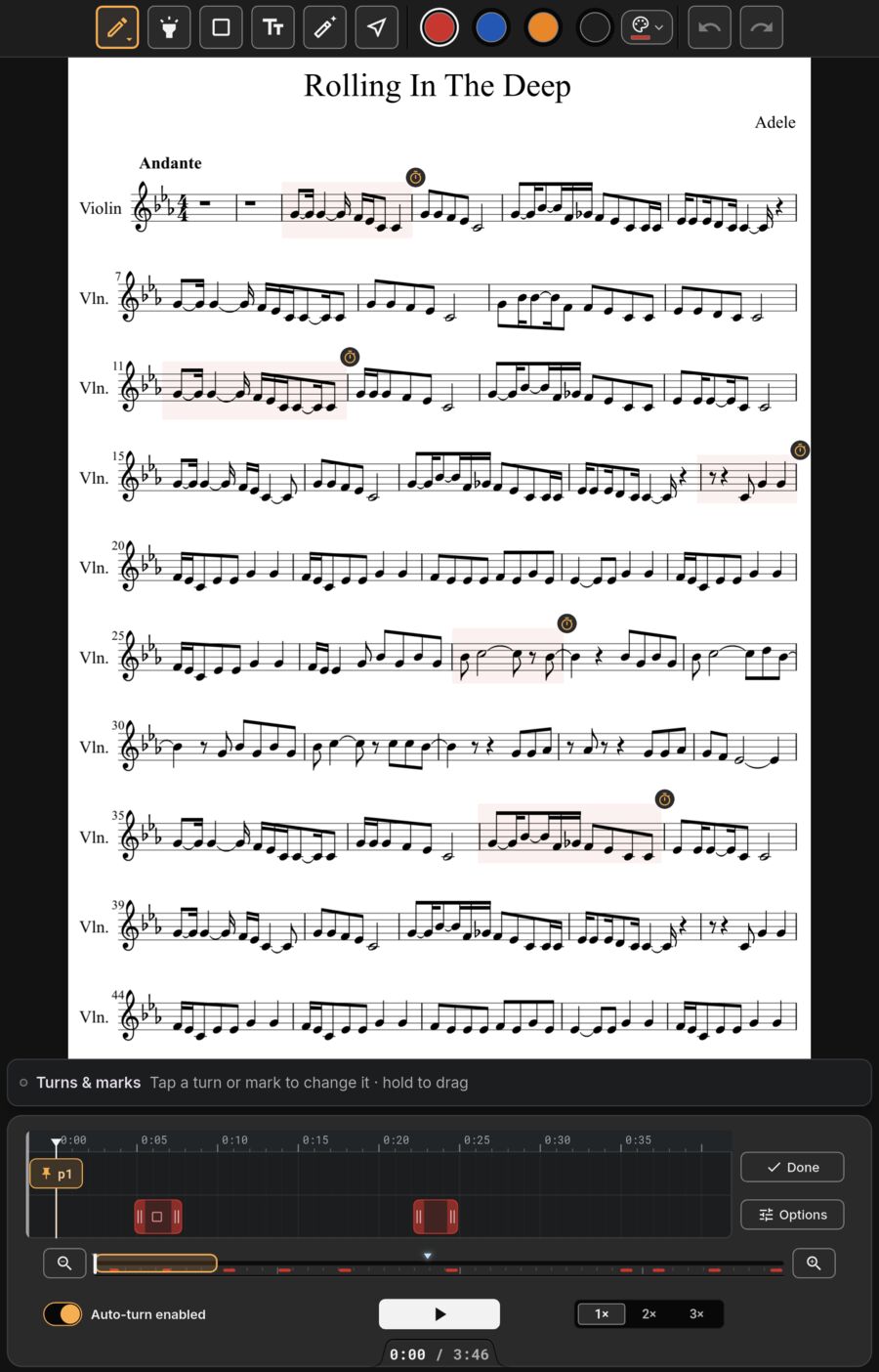
Marks on an audio timer.
Tie any mark to a moment in the backing track. It appears right on beat and fades away after.
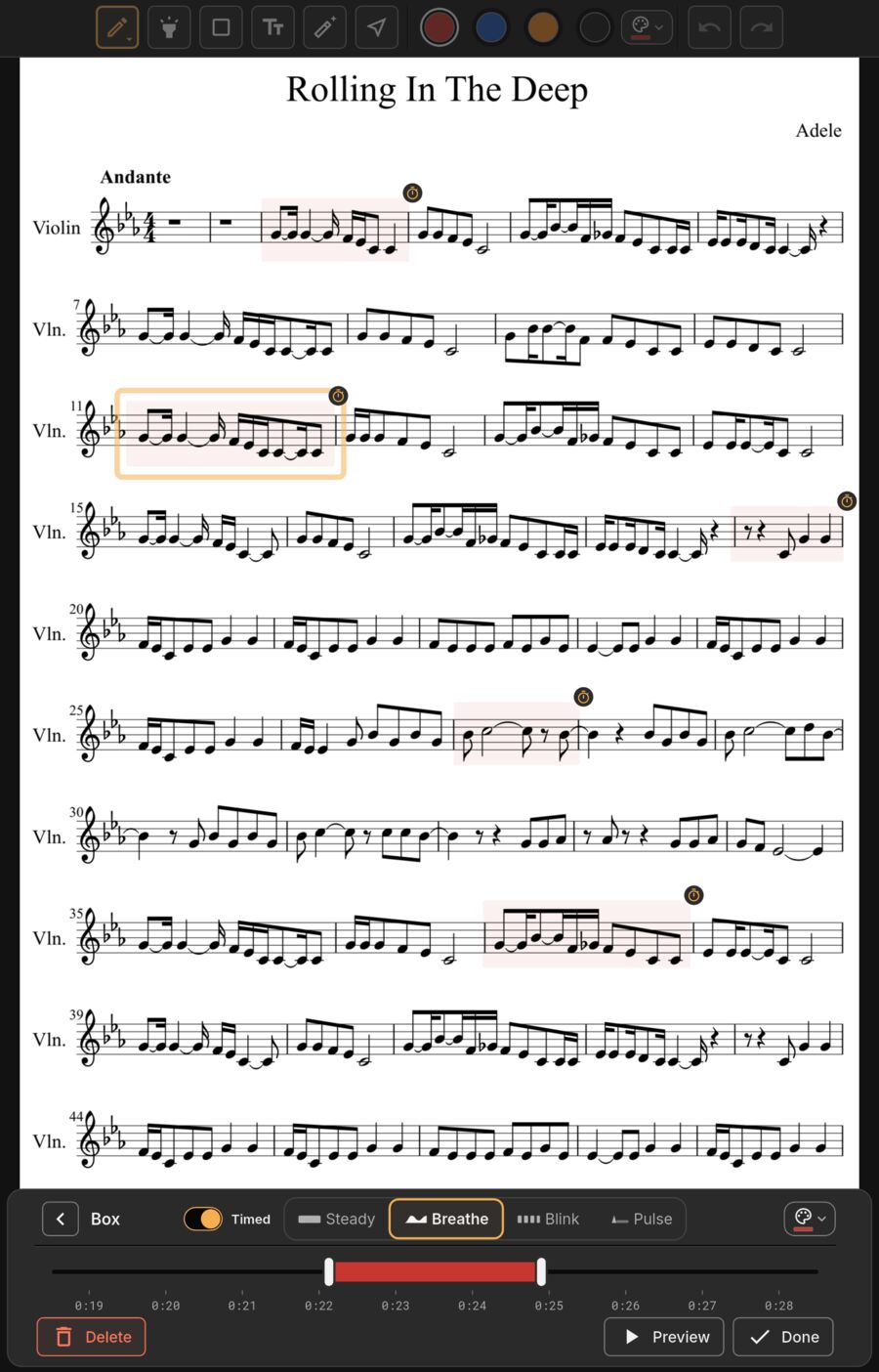
Mark it fast, tidy it later.
Drop quick lines while the track plays, then pick one and turn it into a box, ring or callout right where it was, or draw it again. Its color and timing stay.
- Tap a text or callout to change its words.
- Change color, width or size after the fact.
- Drag any menu off the bars you're reading.
- One Undo puts it back.
Built for performers.
Crop safely
Annotations stay locked to their notes after cropping.
Undo everywhere
Undo strokes, moves, and colour changes.
From MobileSheets
Existing pen marks and annotations transfer over.