

Pages turn themselves, in time with the track.
Teach a piece once by playing along in rehearsal. From then on, your score turns on time at every gig.
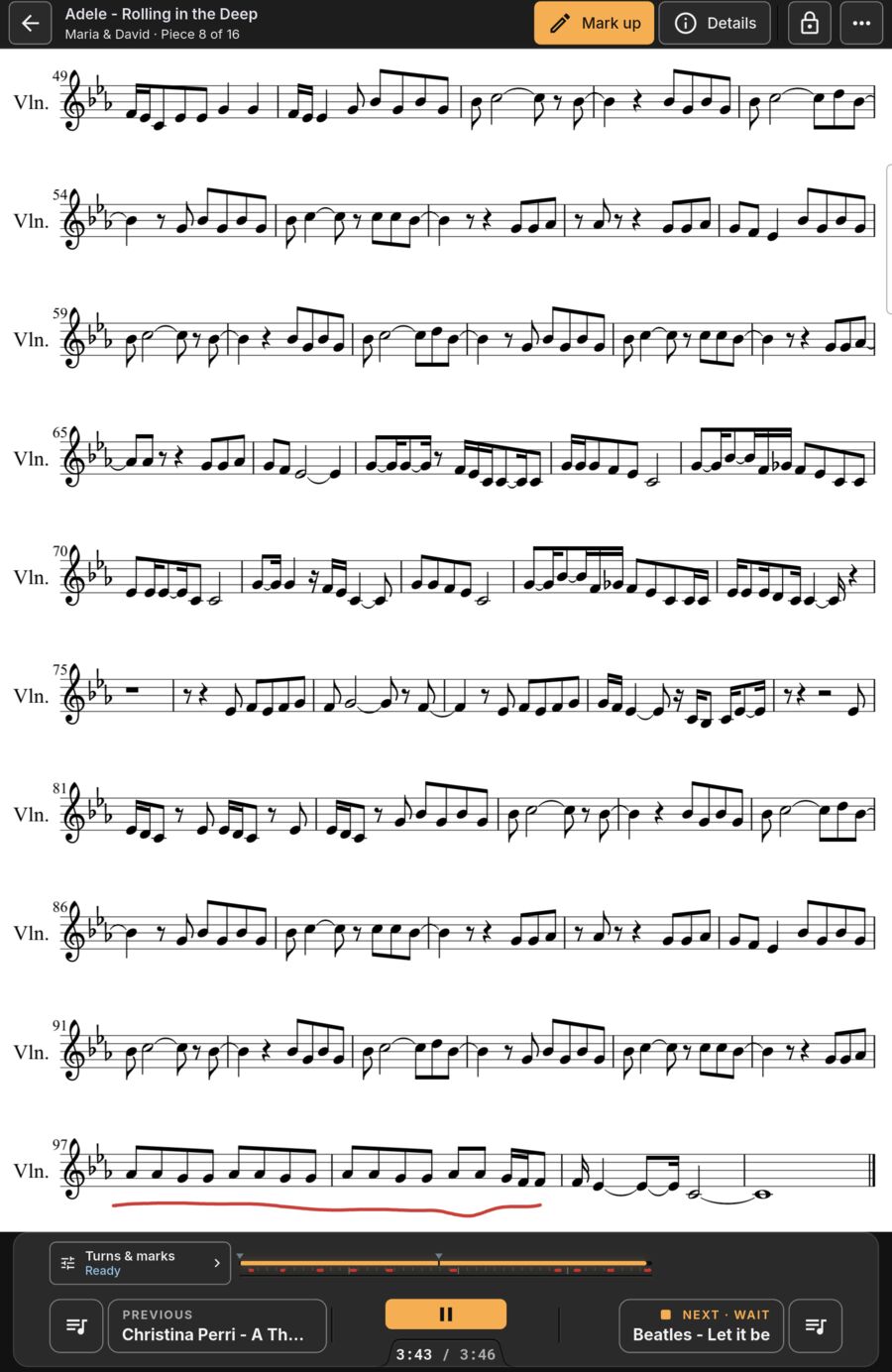
Set up in one play-through.
Turn pages as you normally would while the track plays. Every turn, zoom and pan is saved to the audio timeline.
- Capture at 1×, 2× or 3× speed to prepare sets quickly.
- Turn early to move a turn. Turn back to remove one.
- Undo and redo any turn edits with one tap.
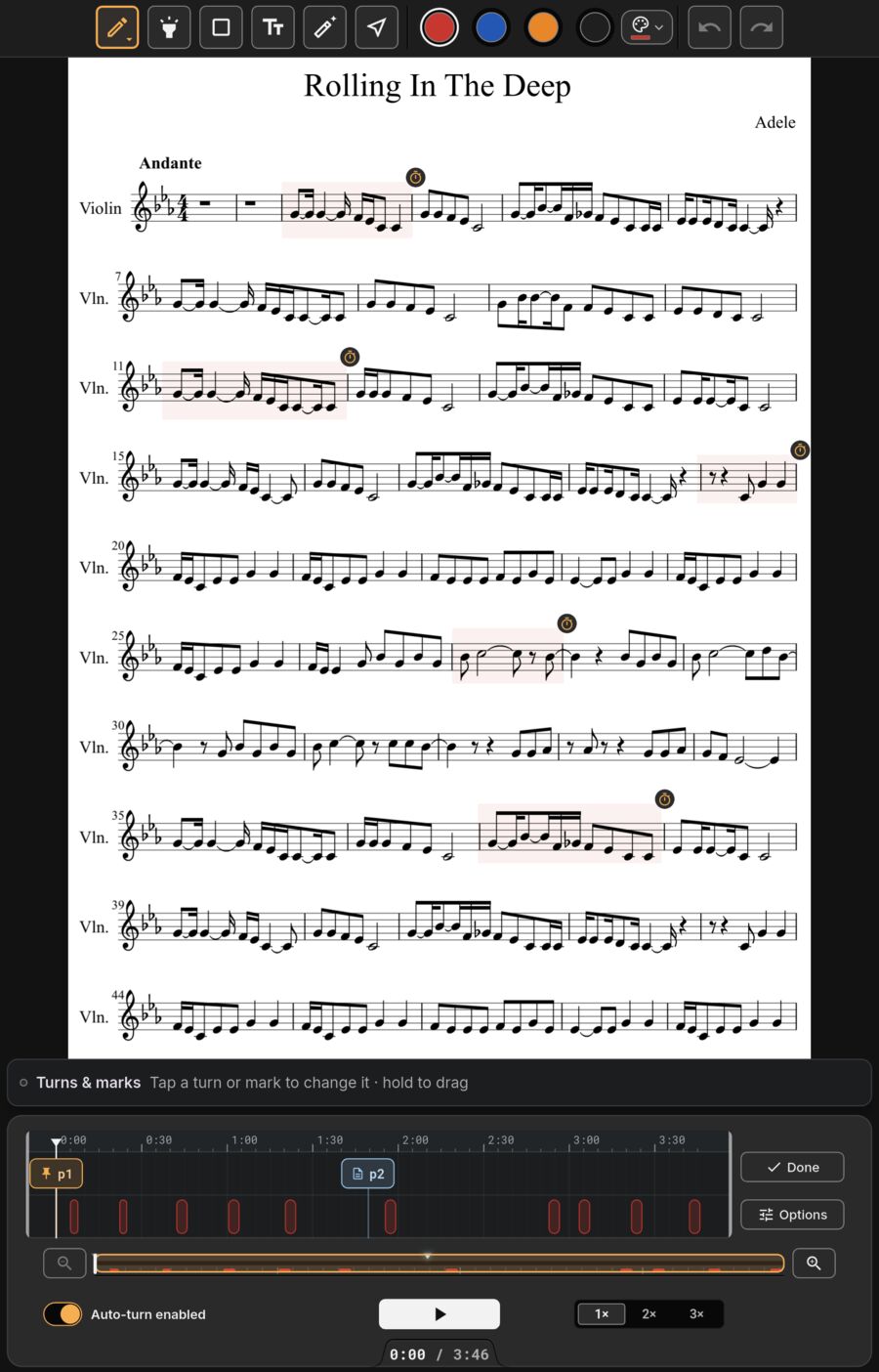
Adjust on a precision timeline.
Tap any turn to edit its timing, hold to drag it. Nudge earlier or later.
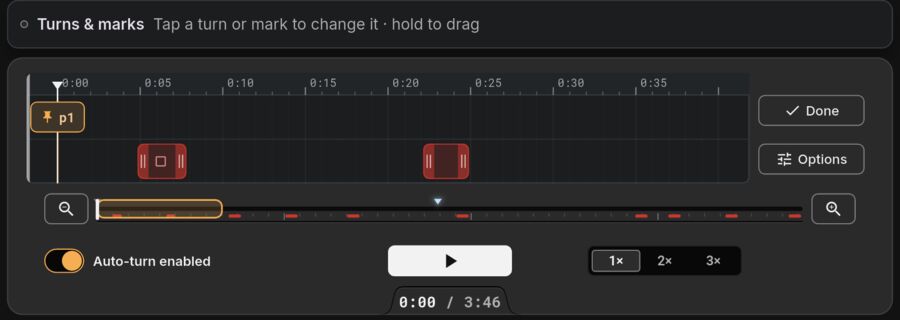
Timed score cues right on beat.
Tie any score mark (key change, repeat, dynamic reminder, entrance cue) to a specific moment in the backing track. It appears right then, pulses, and fades after.
- Choose Steady, Breathe, Blink or Pulse looks.
- Marks stay dimmed or hidden the rest of the time.
- Preview button plays the track right around your cue.
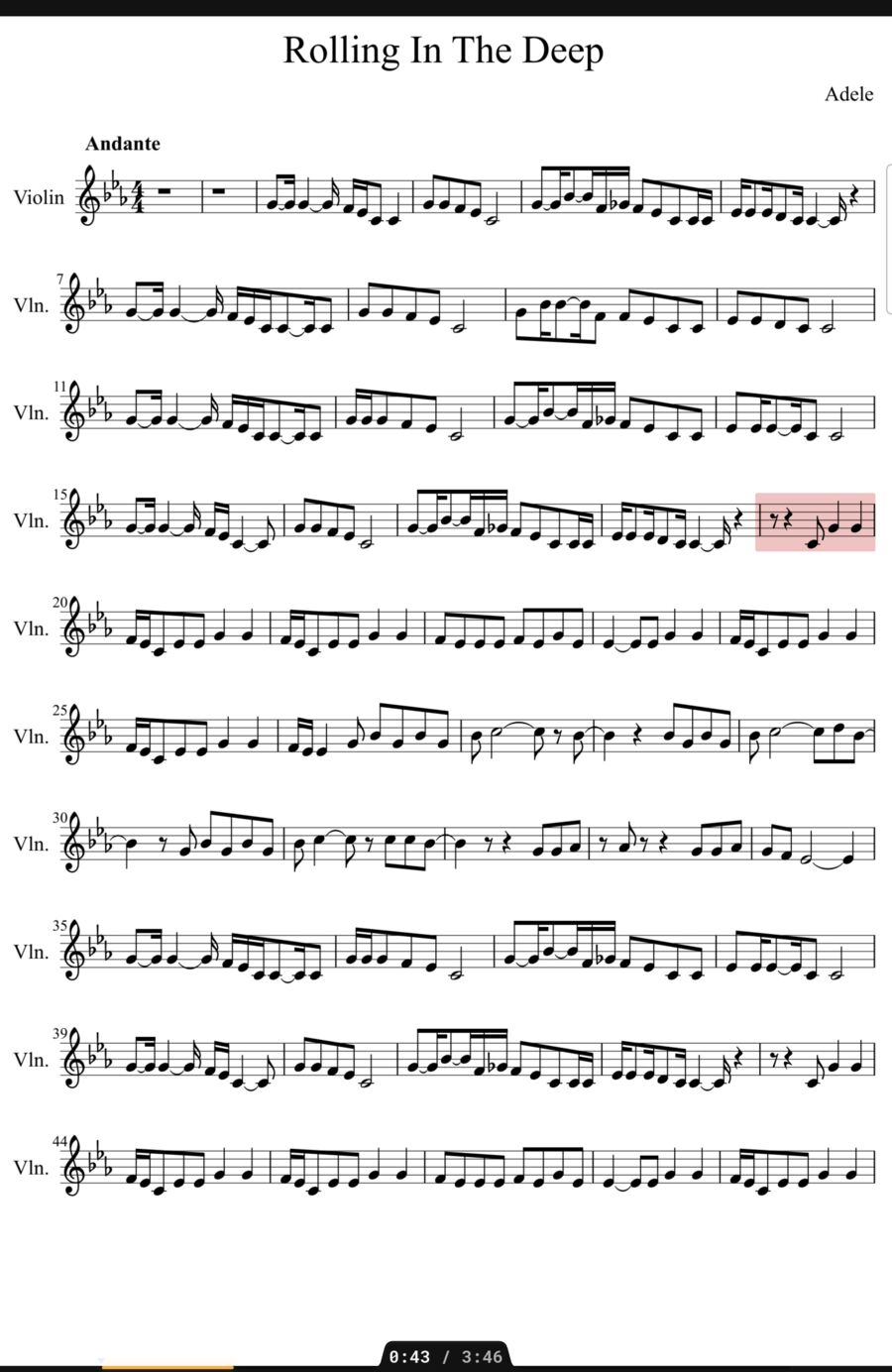
Predictable and stage-safe.
No camera or microphone
Turns follow your taught timing, not facial expressions or room audio. No accidental turns from smiling or loud halls.
Same every night
Same backing track, same turns, every performance.
Warning pulse glow
A soft blue edge glow pulses on the right side of the screen 2 seconds before each turn.
Manual override anytime
Tap the screen or press your foot pedal whenever you like. Auto-turn steps aside seamlessly.
Every page view
Works in single page, two-page book mode, fit to width, and continuous scrolling paced by the track.
On to the next piece
Turn on the last page of a piece to advance to the next piece in your setlist.