

A sheet music reader that stays out of the way.
PDFs, photos and chord charts, margin crop, half-page turns, two-page book mode, and Apple Pencil or S Pen mark-up. Works 100% offline.
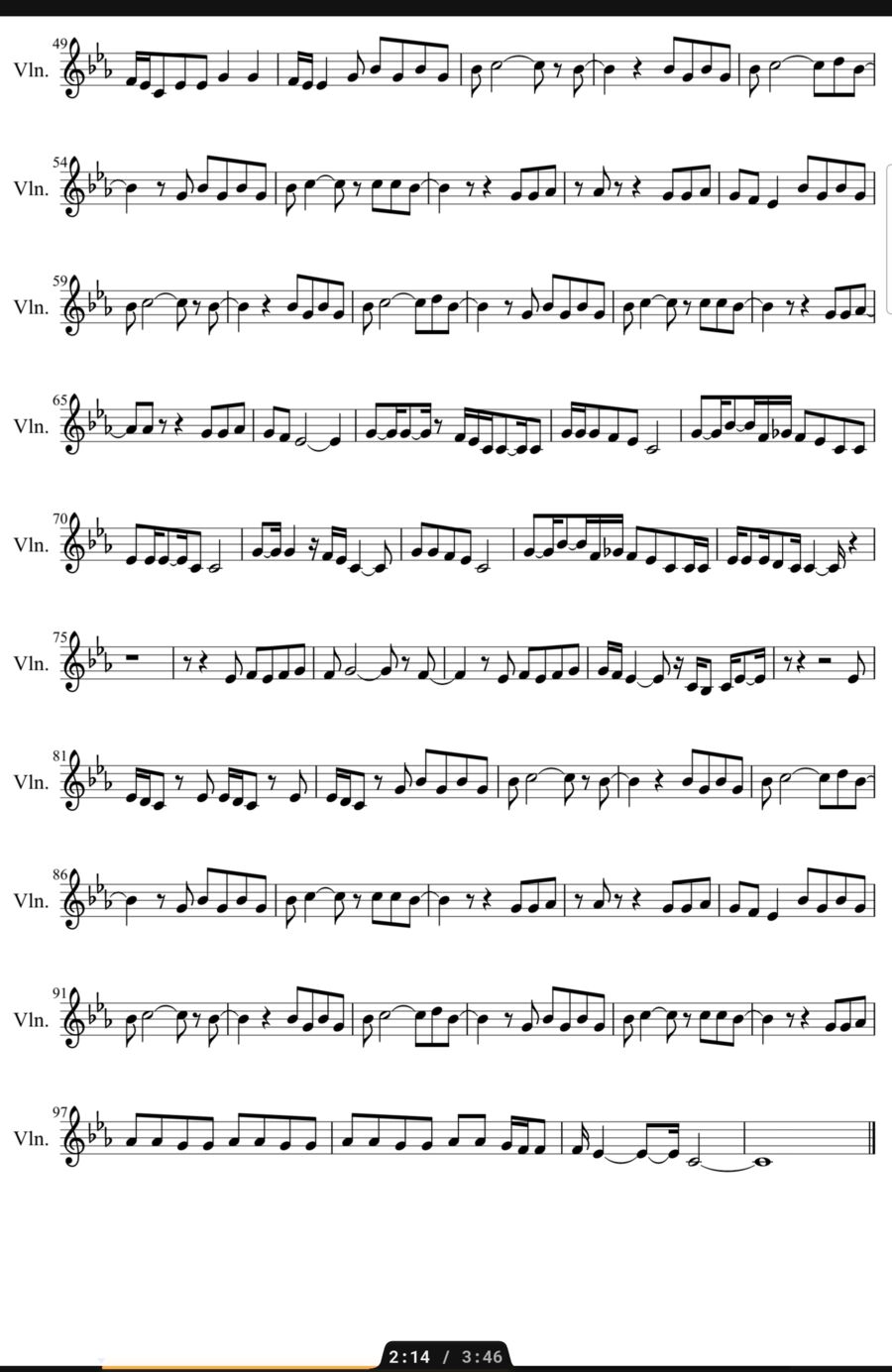
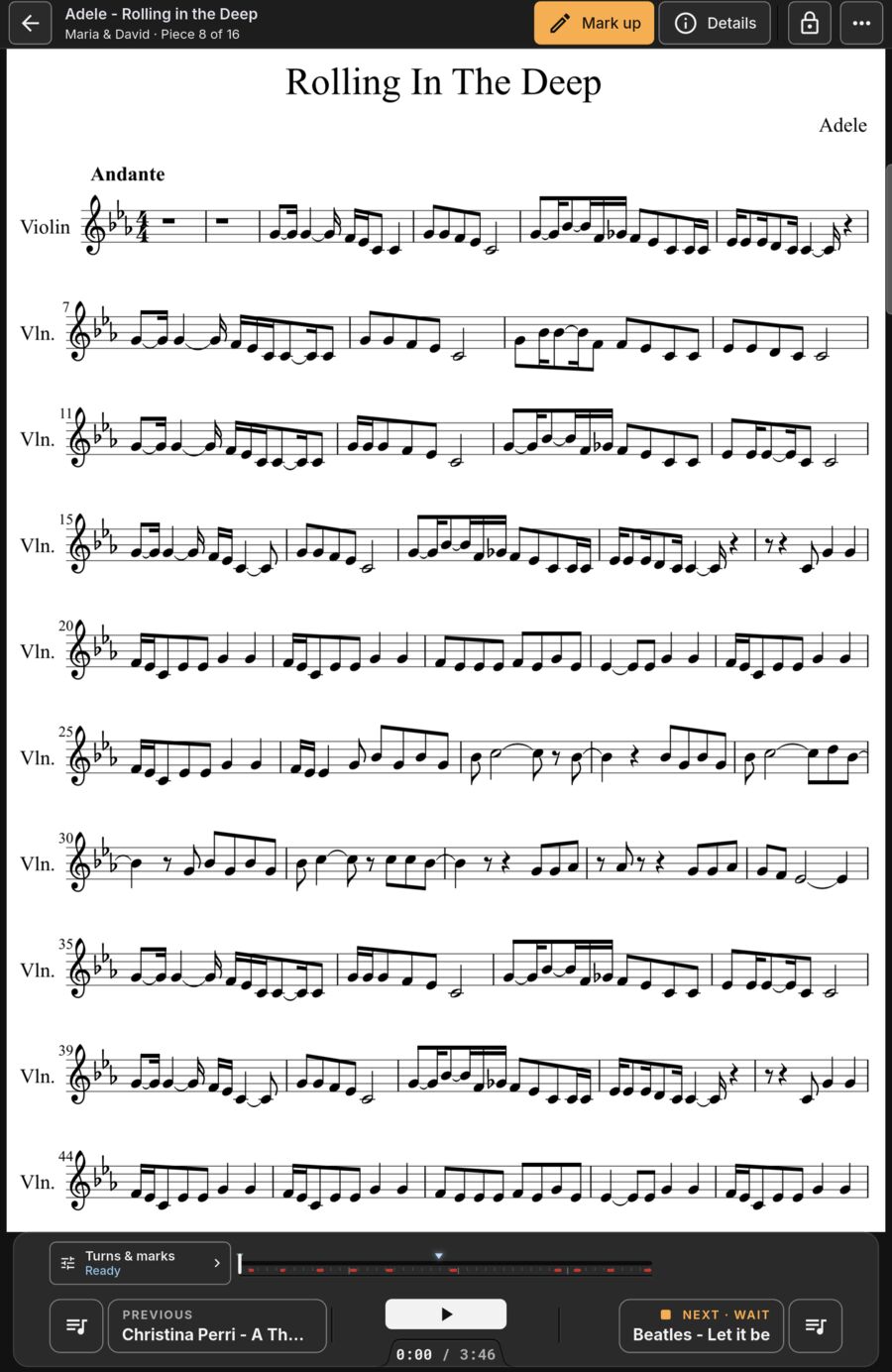
Fill widescreen Android tablets.
16:10 Android screens usually waste space on letter or A4 music. Crop margins, view two pages side by side, or fit to width. Automatic turns work in every view.
- In book view, the page you are reading never moves when turning.
- Short pages provide blank paper margin to write notes on.
Pages in actual playing order.
Type repeats like 1-4, 2-3 so repeats become page turns without duplicating pages manually.

Filter, sort and search instantly.
Sort by title, composer, key, tempo, rating or date added. Filter by not in a setlist, or not opened in months.
- Collections and smart collections that update automatically.
- Badges flag pieces missing a score or backing track.

Piece details and online lookup.
Key, tempo, time signature and rating. Optional MusicBrainz lookup lets you review each field before saving.

Just added
New in the beta.
Turns half a page.
Upright, each turn brings in the top half of the next page while you finish the bottom of this one. You always read ahead, and nothing jumps.
- Pedal, taps, swipes and auto-turn all work with it.
- Marks and crops stay in place.

Adjust any page.
The camera scanner's clean-up on any page of any piece. Your file is never changed.
- Color, grayscale or black and white.
- Brightness, contrast and sharpness.
- One page or all of them; hold Before to compare.

Chord charts as sheet music.
Plain text and ChordPro charts come in looking like printed music: chords over the right words, choruses indented, verses labeled.
- Transposed with the piece.
- ABC tunes become printed notation too.
- From files, folders or a MobileSheets backup.

Also new.
Instant page turns
Switch it on in Settings and every page change jumps straight to the new page, with no slide or fade.
ABC tunes
ABC files become printed notation: notes, beams, ties, repeats and endings, chord symbols, lyrics, several voices.
Apple Pencil opens Edit
Touch the page with the Pencil and you're marking up. That first stroke is kept.
Getting music into your tablet.
Whole folders
Drop in a folder; PDF and image scores pair with audio tracks by filename.
Camera scanner
Photograph paper music on the stand with corner adjustment and clean-up.
MobileSheets import
Import your full .msb backup directly. Learn how
Charts and ABC files
Text, ChordPro and ABC files come in like PDFs, paired with a track of the same name. Their artist, key and tempo fill in the details.
Just imported
After an import, Home shows how many pieces came in. One tap shows just those.
The complete reader checklist.
- PDF and image score import
- Bluetooth pedal page turns
- Two pages side by side
- Fit to width and continuous scroll
- Half-page turns when upright
- Chord charts, ChordPro and ABC tunes
- Page clean-up: grayscale, contrast, brightness
- Margin cropping for Android tablets and iPad
- Apple Pencil and S Pen stylus annotation
- Palm rejection and full undo
- Set lists with coloured sections
- Smart collections with saved filters
- Global search by title, composer, tag
- Hide and repeat pages in playing order
- Light and dark library modes