

The backing track lives with the score.
Open a piece and both are ready. One playhead, right under your sheet music.
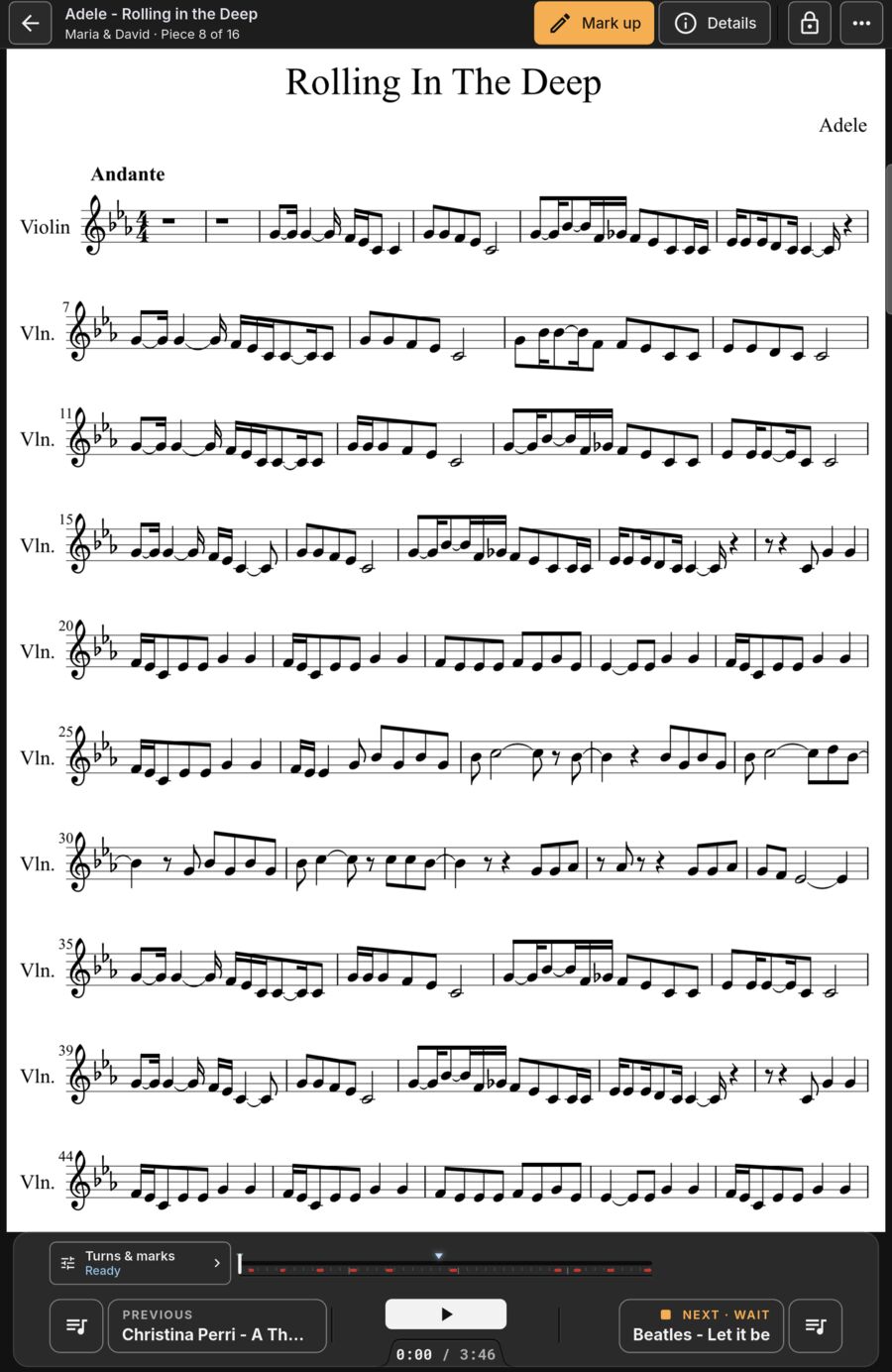
Trim start, end and corner fades.
Drag the amber start and end edges. Drag a top corner inward to set a custom fade-in or fade-out.
- Add named cues (such as Chorus or Solo) to start playback from.
- Swap the audio file later; your turns, cues and marks stay locked.
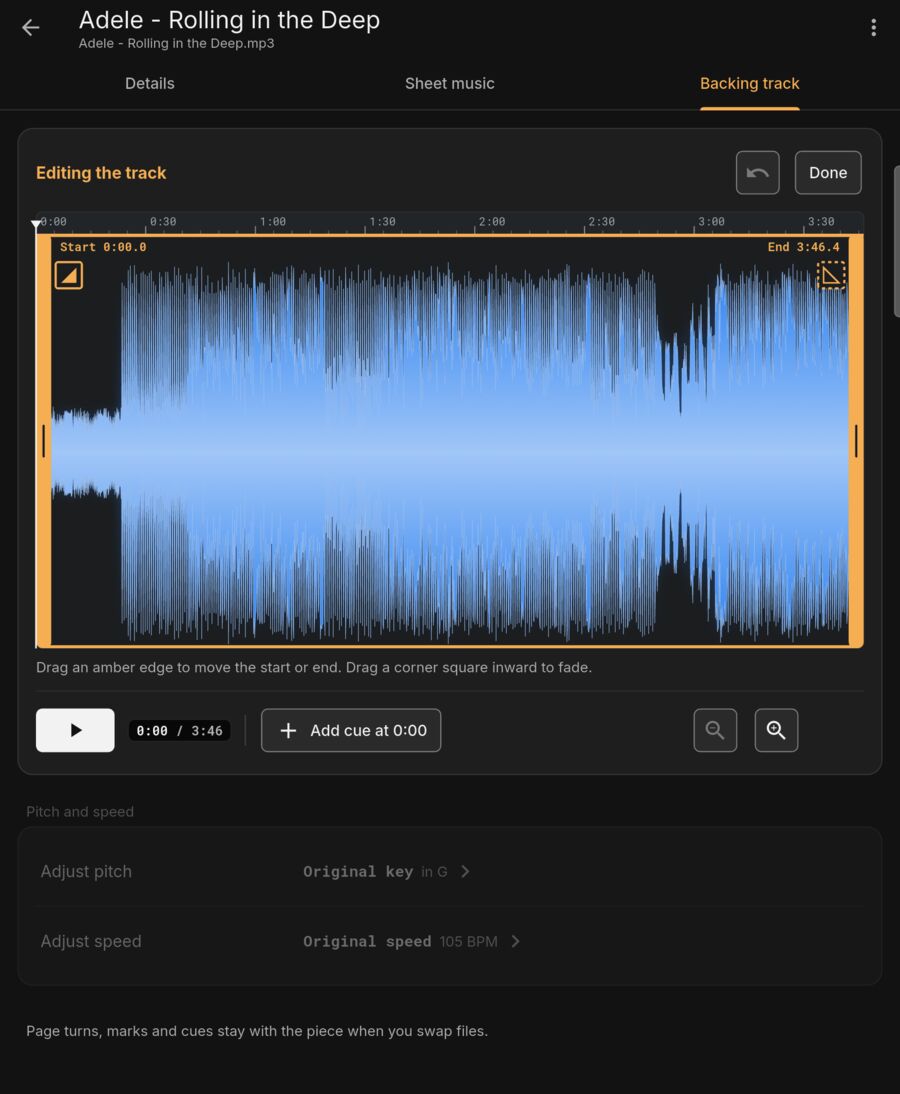
Studio-quality pitch and tempo.
Transpose and change tempo with natural sound. Built to avoid the metallic ringing, robotic flutter, and hollow tones common in other mobile apps.
- Studio-quality pitch shift: Transpose ±12 semitones or pick a target key with clean, balanced sound.
- High-quality time stretching: Adjust tempo from 50% to 150%; drum beats stay tight and instruments stay clear.
- Stage-ready sound: Clean enough to plug directly into a venue PA or soundboard for live performance.
- Automatic detection: Key and tempo detected from the audio track.
- Piece trim: Individual level trim down to -12 dB in 0.5 dB steps.
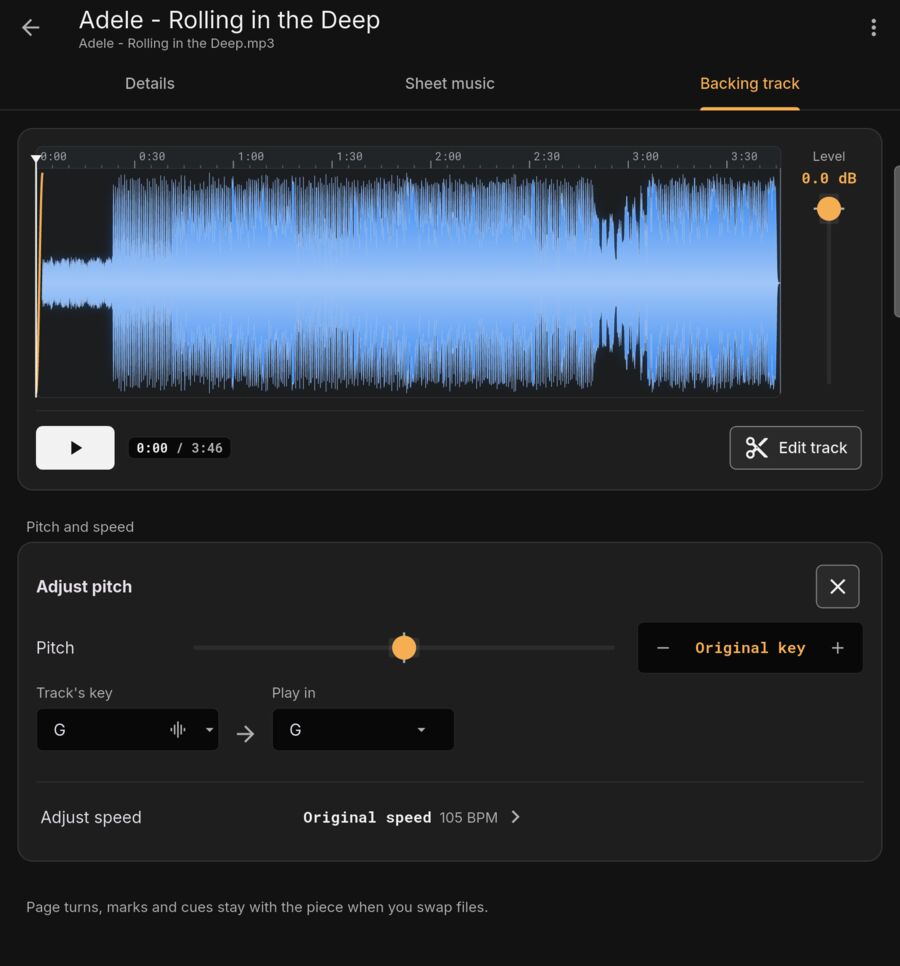
Fade out on cue mid-song.
One tap or pedal hold triggers a smooth fade-out when the wedding coordinator signals.
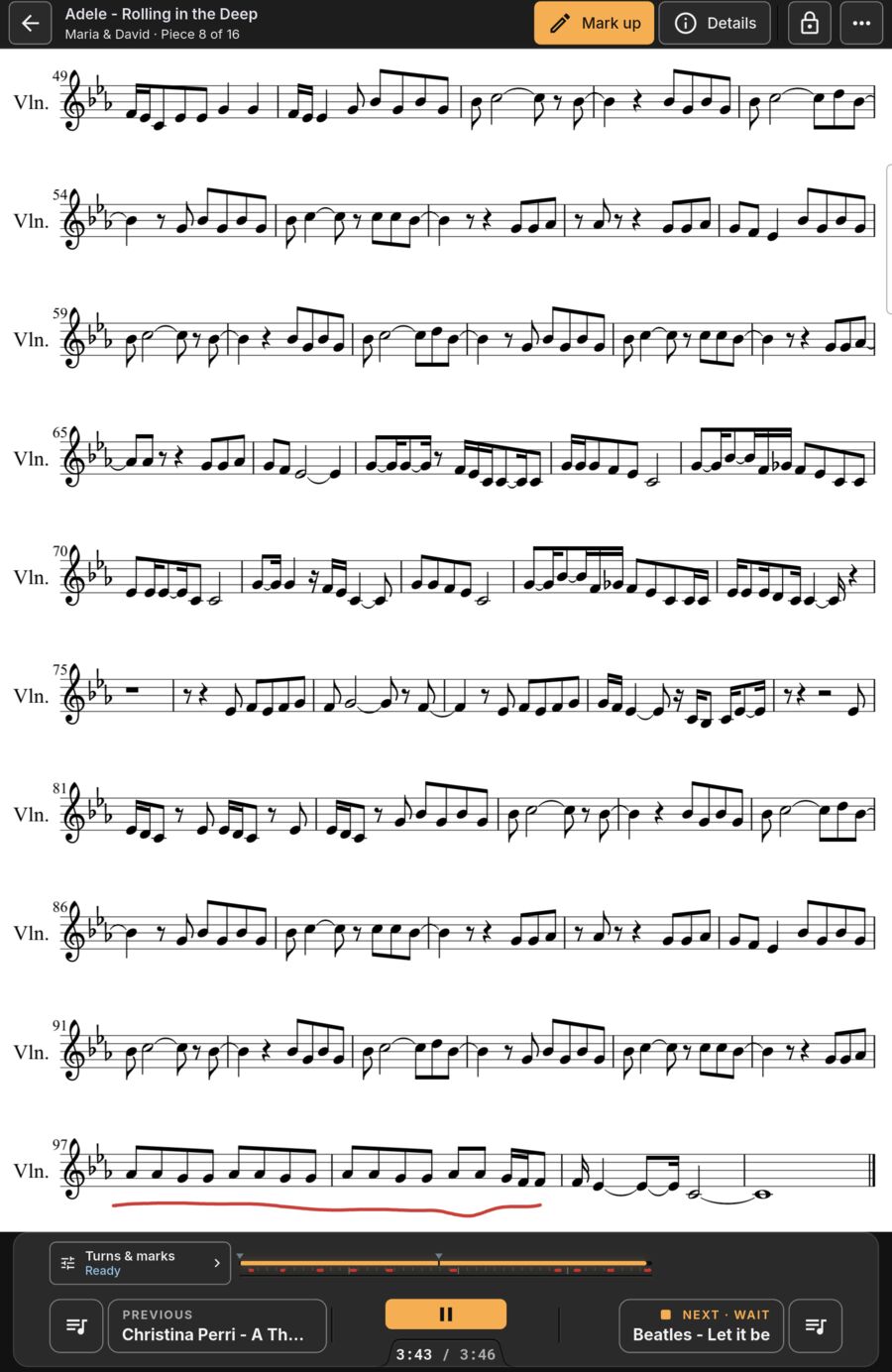
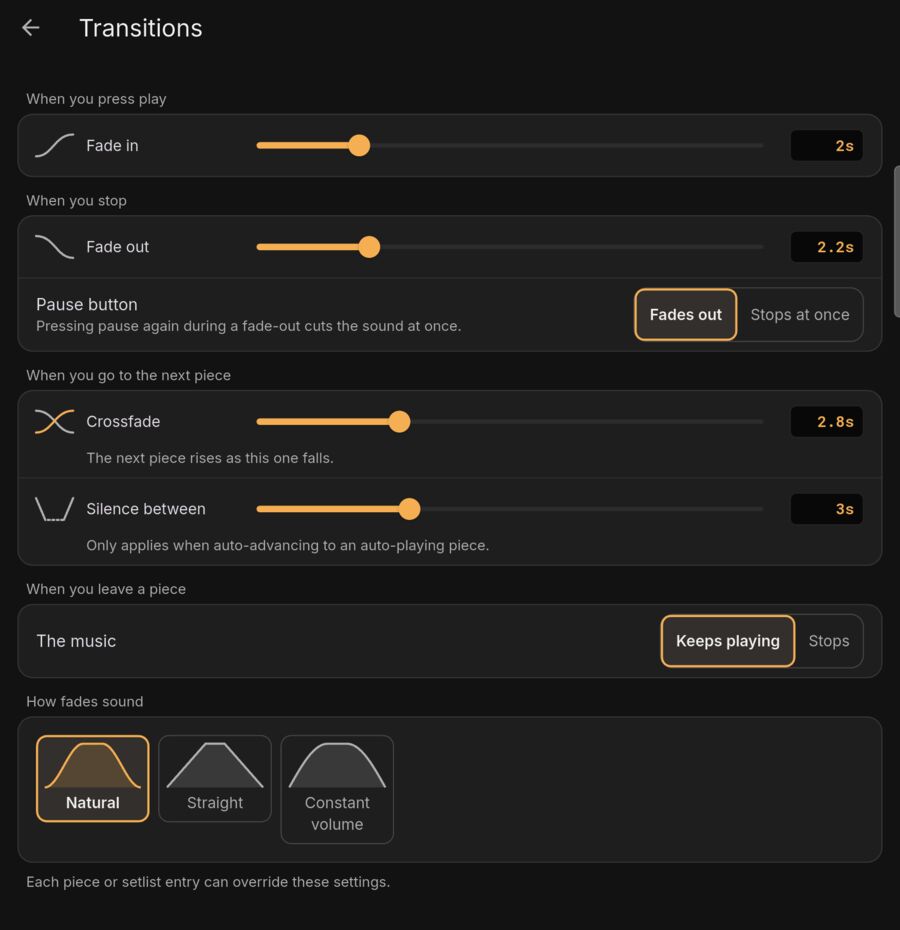
Transitions and crossfades.
Set global defaults once. Override them per piece or per setlist entry.
- Defaults: 2 s in, 4 s out, 2 s crossfade, 3 s gap between songs.
- Natural, Straight or Constant volume curves.
Studio sound quality.
Studio-Quality Audio Processing
Clean, natural sound on stage. None of the typical app warble.
Most mobile apps use quick speech-stretching tools that leave transposed songs sounding hollow, robotic, or metallic. SoloStage uses studio-quality audio processing designed for live performance through venue sound systems.
Thin, muffled, or warbly sound
Quick pitch shifting muddies the mix. Drums lose their punch, acoustic instruments sound artificial, and transposed tracks develop a distracting warble through venue speakers.
Crisp beats and natural acoustic tone
Whether shifting key ±12 semitones for a singer or slowing down to 50% for rehearsal, drum beats stay tight, instruments sound natural, and your accompaniment stays clean and full on stage.
Built for performance.
Crossfade anywhere
Crossfade to the next piece, previous piece, or a guest request.
MP3, WAV, MP4
Stored locally on your tablet. Plays completely offline.
Pause can fade
Pause button can fade out smoothly or cut immediately.
Sound check scale
Master volume and a quiet-to-loud test sound scale before plugging into the PA.