

Your MIDI gear and your sheet music, in step.
A MIDI footswitch, keyboard or controller turns pages and runs the track. Each piece sets your sound as it opens, and your effects follow its tempo. Over USB or Bluetooth, on Android tablets, iPad and iPhone.
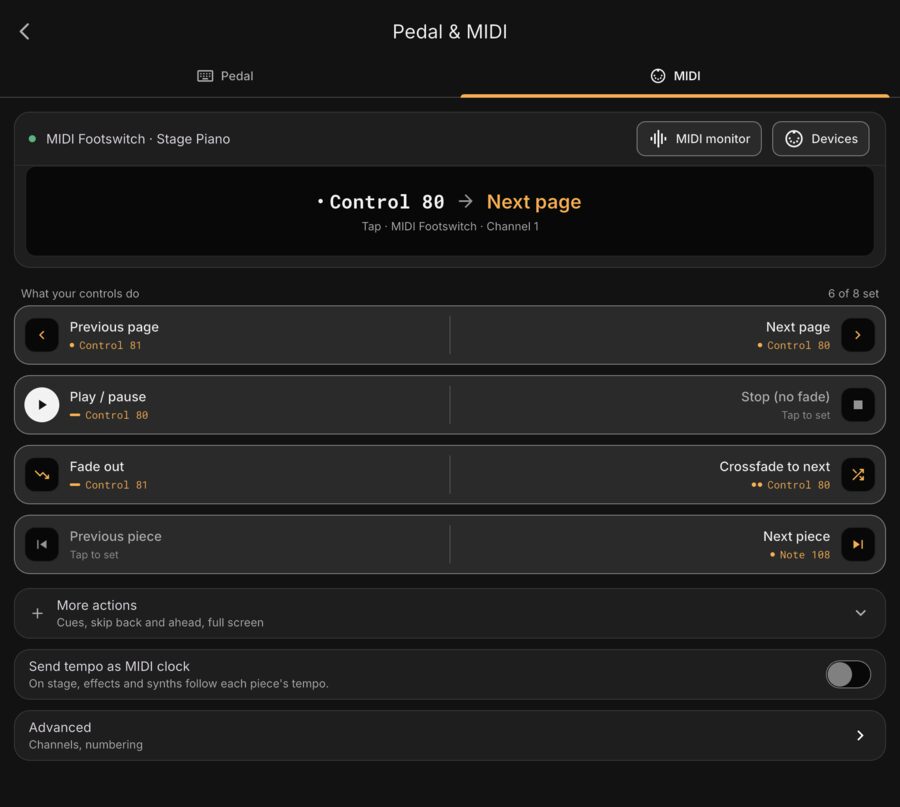
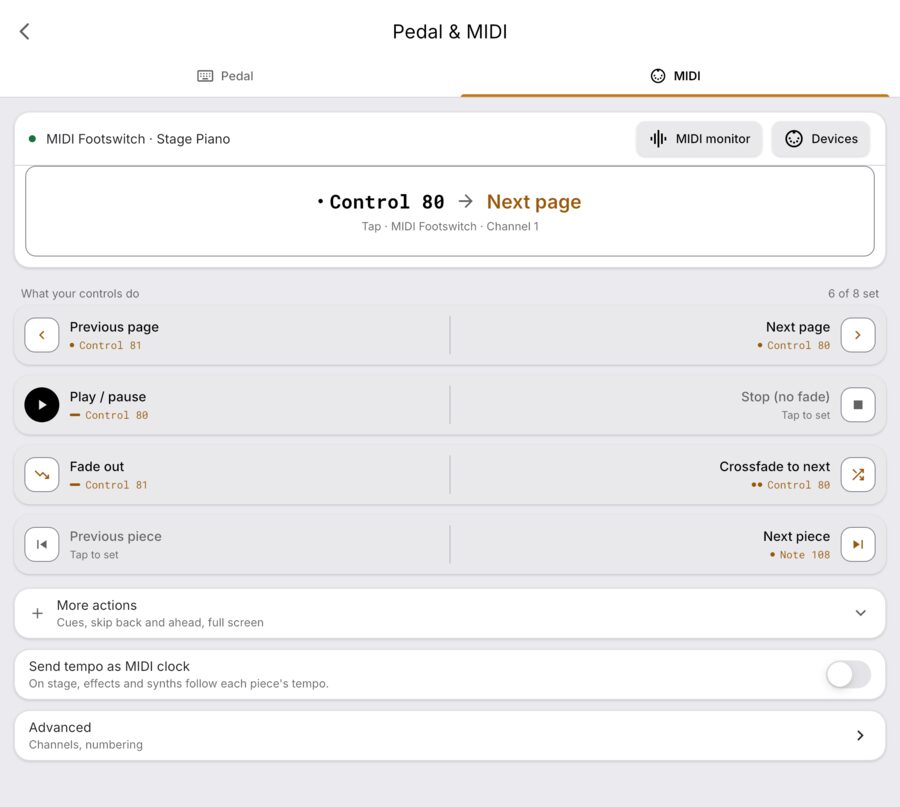
Any MIDI control works like a pedal switch.
A MIDI footswitch, such as an M-Vave Chocolate or Morningstar MC6, a key on your keyboard or a pad on your controller: each one can turn pages, start and fade the music, or bring on the next piece.
- Tap, hold and double tap, each with its own action.
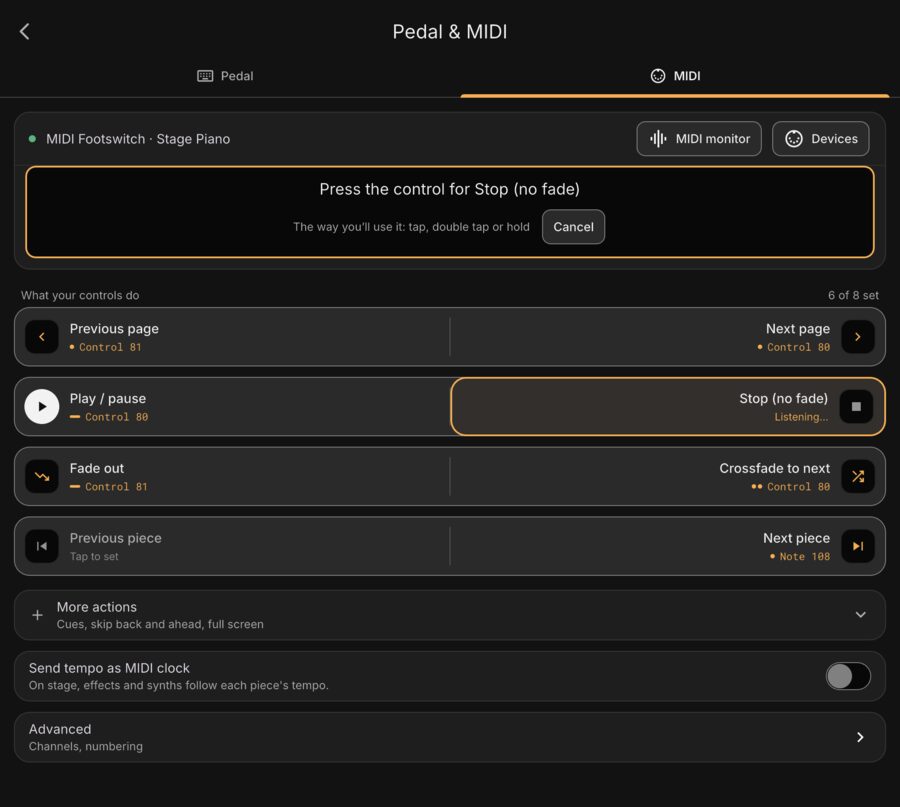
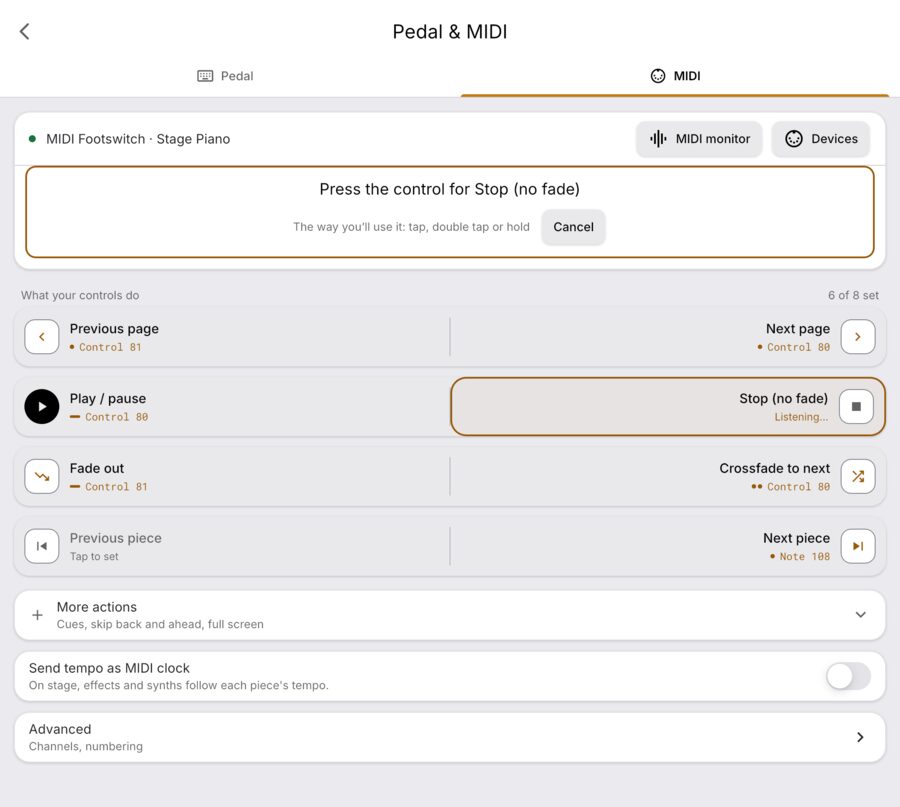
- Set it up like a game: tap an action, then press the control.
- A live window says what any control does the moment you press it.
Each piece brings its own sound.
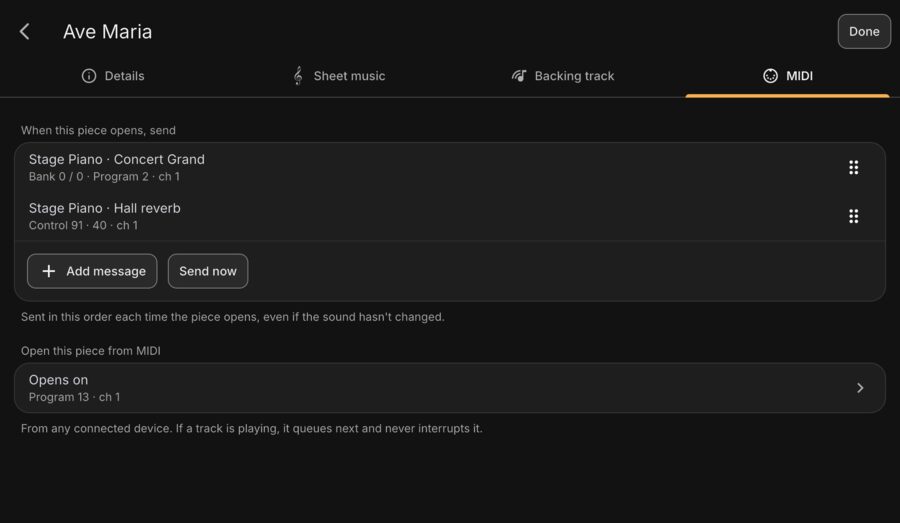
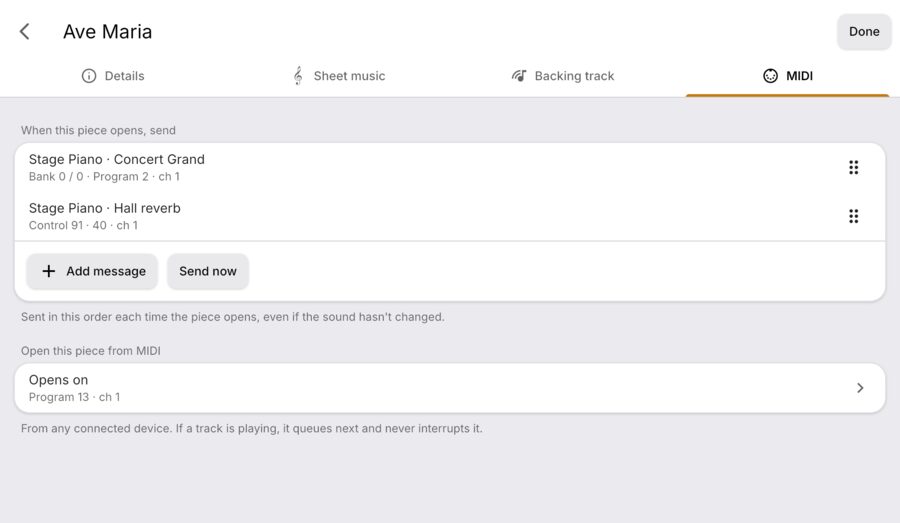
When a piece opens it can send MIDI to your gear: a sound or registration on your keyboard, such as a Yamaha Genos or Nord Stage, a preset on your effects, a scene on your lights.
- Program and bank, control change, Song Select or SysEx.
- Name a sound once and it's offered again for the next piece.
- Numbers count from 1, like most manuals.
Everything else your rig needs.
Open a piece from MIDI
A program change, control or note opens the piece set on it. While a track plays, it queues next, so the music is never interrupted.
Tempo as MIDI clock
Your MIDI effects pedal or synth, such as a Line 6 Helix, Quad Cortex or Strymon delay, follows each piece's tempo.
USB and Bluetooth
Plug in a USB MIDI device, or turn on a Bluetooth one you've used before: it connects by itself.
MIDI monitor
Every message in and out, live, in plain words, with what it did.
With your page turner pedal
MIDI controls and a Bluetooth pedal work side by side. Pedals
Stage actions
Page turns, play and pause, fade out, crossfade, next piece, stop, back to start and skip back or ahead.
Works with
The MIDI gear you already have.
- MIDI footswitchesSuch as M-Vave Chocolate, Morningstar MC6 or Behringer FCB1010: turn pages, play, fade out.
- Guitar and bass modelersSuch as Line 6 Helix and HX Stomp, Neural DSP Quad Cortex, Kemper or BOSS GT-1000: a preset for each piece.
- Delay and reverb pedalsSuch as Strymon Timeline or Eventide H9: repeats in time with each piece.
- Arranger keyboardsSuch as Yamaha Genos and PSR-SX or Korg Pa5X: the registration changes as the piece opens.
- Stage pianos and synthsSuch as Nord Stage, Roland or Korg: the right sound for each piece.
- Vocal effects and lightsSuch as TC-Helicon VoiceLive, or a lighting desk that takes MIDI: a new scene for each piece.
Any device that sends or receives standard MIDI over USB or Bluetooth. The names are examples, not a list of tested gear.
Set it up in a minute.
1. Connect your gear
Plug it in with USB, or turn on a Bluetooth MIDI device and add it once in Settings › Pedal & MIDI › MIDI.
2. Tap an action, press your control
Tap Next page, Play / pause or Fade out, then press the control the way you'll use it: tap, hold or double tap.
3. Give each piece its sound
On a piece's MIDI tab, add what it sends when it opens, or the message that opens it.
4. Check it
Press any control and the live window says what it does. The MIDI monitor shows every message in and out.
Questions about MIDI.
Which MIDI devices work with it?
Any device that sends or receives standard MIDI over a USB cable or Bluetooth: footswitches, keyboards, controllers, effects units and modelers, lighting desks. A USB MIDI device plugs straight in, or through a USB adapter for your tablet; gear with 5-pin MIDI jacks connects through a USB MIDI interface.
Can it change registrations on my arranger keyboard?
Yes, with the program change or SysEx message your keyboard's manual gives for that registration, such as on a Yamaha Genos or Korg Pa5X. Put it on the piece's MIDI tab and it's sent when the piece opens. If your keyboard sends a message when you pick a registration, that message can open the piece too.
Does it send MIDI clock?
Yes. Turn on Send tempo as MIDI clock in Settings › Pedal & MIDI › MIDI, and your MIDI effects and synths follow each piece's tempo on stage. Every connected device gets it unless you untick it. It sends tempo only, not start or stop, and it doesn't follow clock from other gear.
Can I use a MIDI footswitch and a Bluetooth page turner pedal together?
Yes. Both work at the same time, each with its own tap, hold and double tap actions. MIDI controls also work with Lock mode, just like the pedal.
Do my MIDI settings come across from forScore or MobileSheets?
Not yet. Your scores, tracks and setlists come across, but MIDI messages don't, so add them on each piece's MIDI tab. A piece keeps its MIDI messages when you share it or back up your library.
What doesn't it do with MIDI yet?
It doesn't send messages at moments during a track, start or stop other gear, follow clock from other gear, use network MIDI, or play .mid files.